In Tremolo, yield only accepts bytes-like objects like bytes or bytearray. Whereas return accepts both str and bytes-like objects.
Both yield and return are used to send the response body to the client. Each yield will usually be a chunked HTTP response.
Instead of using return, you can also use the end() method of the Response object.
It will be faster than using return because it skips some logic. But only bytes-like objects are supported.
@app.route('/hello-x')
async def hello_world_x(response):
    await response.end(b'Hello world!')
Note that both return and end() are only suitable for sending relatively small amounts of data at a time.
Disable Response Streaming on “yield”
By default, every yield will be sent to the client immediately, even if it is a single byte. This behavior is noticeable in web browser, not in curl.
The following code will print Hello, World! to the browser, each character + 0.2 second delay in sequence:
@app.route('/hello')
async def hello_world(**server):
    for b in b'Hello, World!':
        # put a delay on each character
        await asyncio.sleep(0.2)

        yield bytes([b])
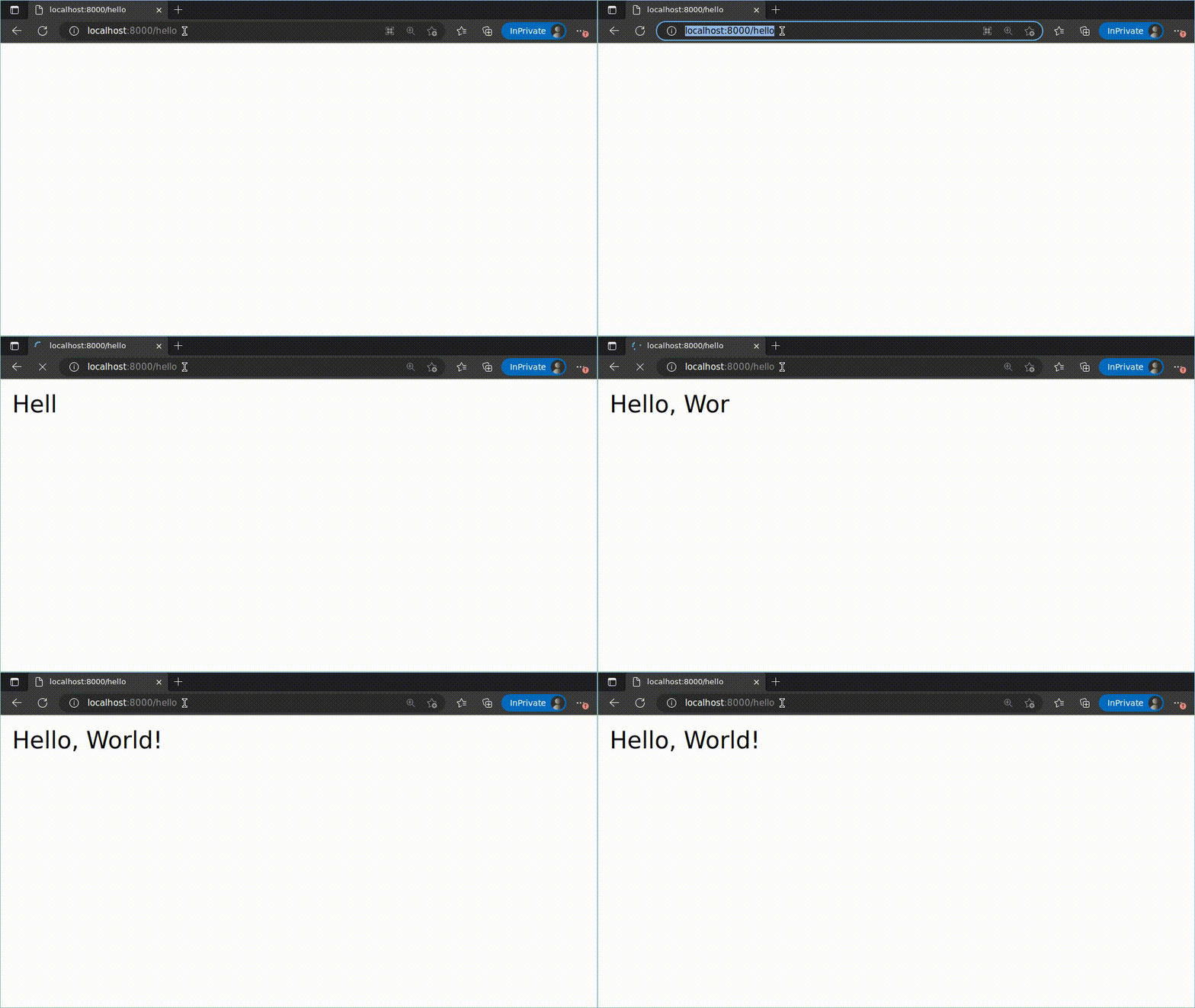
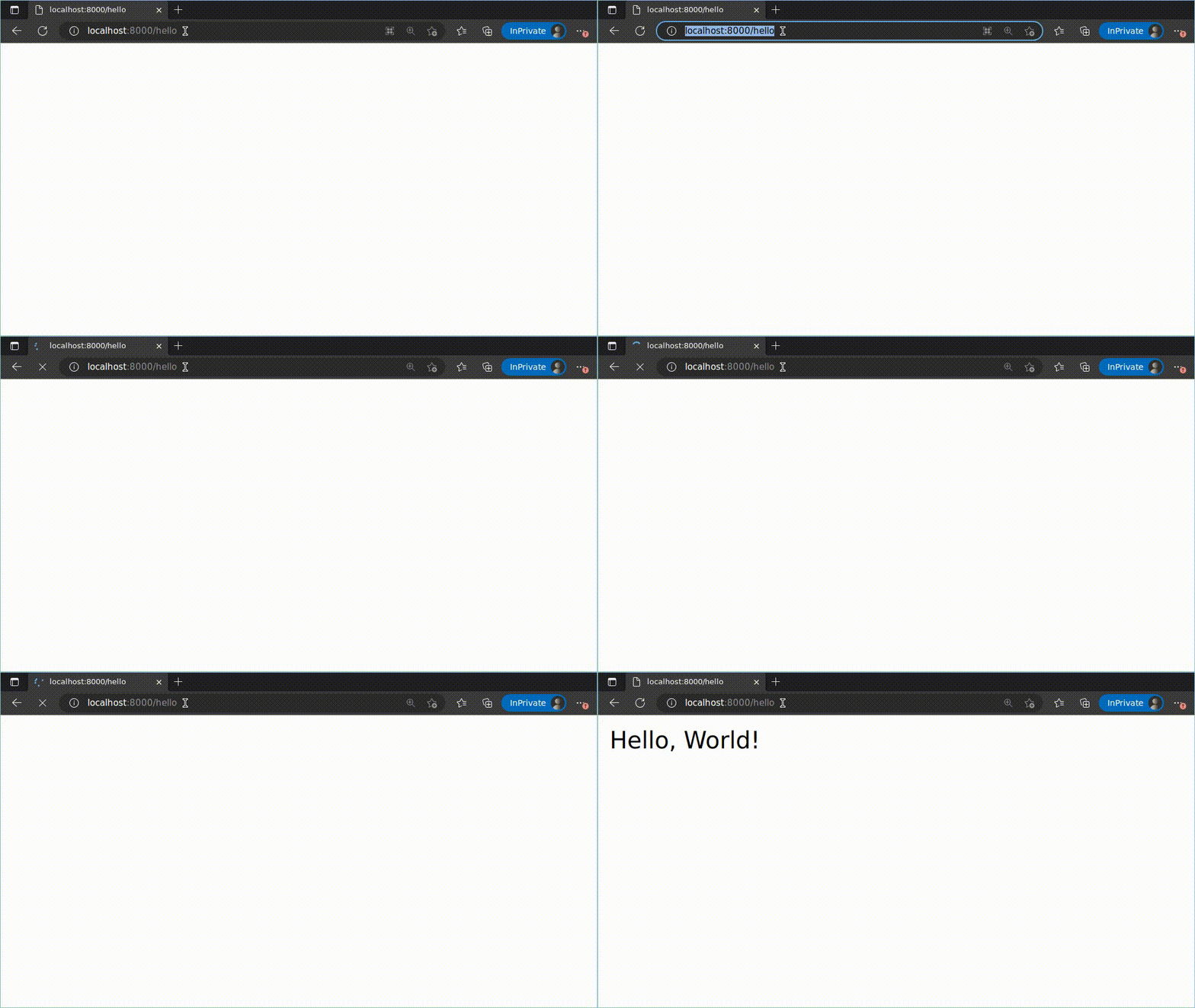
stream=False can be used to disable response streaming. This will make the yields buffered; meaning performance may improve on multiple yields.
@app.route('/hello')
async def hello_world(request, stream=False):
    for b in b'Hello, World!':
        # put a delay on each character
        await asyncio.sleep(0.2)

        yield bytes([b])
Send RAW data
In some cases you may want to send RAW data. You can use the send() method of the Response object.
It’s a lower-level method, which only supports bytes-like objects.
@app.route('/hello-r')
async def hello_world_r(response):
    await response.send(b'HTTP/1.1 200 OK\r\nConnection: close\r\n\r\n')
    await response.send(b'Hello World!')